What Is Phishing? How Cybercriminals Steal Your Information Online
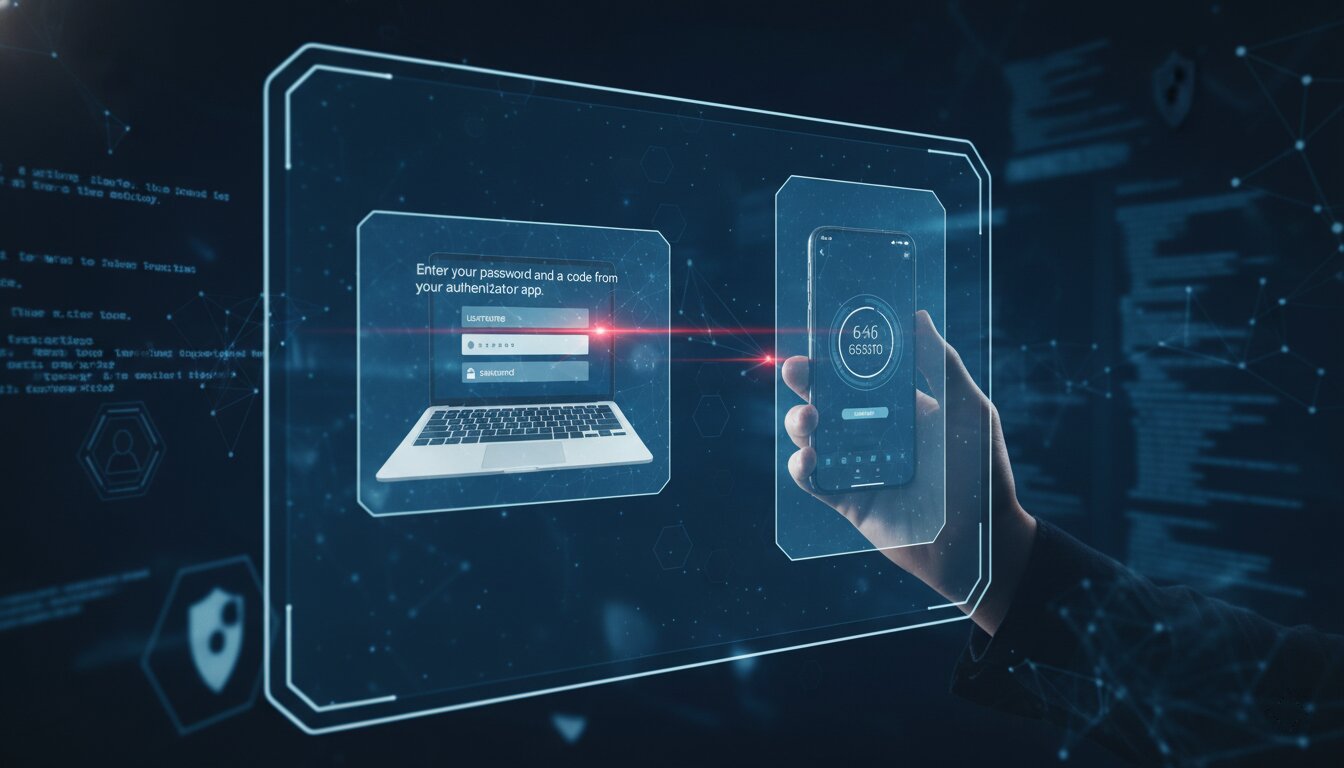
Every day, millions of people receive emails, text messages, and social media messages that look legitimate but are actually designed to steal personal information. This type of cyberattack is known as phishing, and it remains one of the most common and dangerous threats on the internet today.
Whether you are a student, employee, business owner, or casual internet user, understanding phishing attacks can help you protect your accounts, money, and personal data.
What Is Phishing?
Phishing is a cyberattack where criminals pretend to be trusted organizations or individuals in order to trick victims into revealing sensitive information such as:
- Passwords
- Banking details
- Credit card information
- Personal identification data
- Login credentials
Attackers usually disguise themselves as legitimate companies like banks, online stores, social media platforms, or government agencies.
The goal is simple: manipulate victims into clicking malicious links, downloading infected files, or sharing confidential information.
Common Types of Phishing Attacks
1. Email Phishing
This is the most common form of phishing. Attackers send fake emails pretending to come from trusted companies.
These emails often contain:
- Urgent warnings
- Fake invoices
- Security alerts
- Password reset requests
- Suspicious links or attachments
Example:
“Your account has been suspended. Click here immediately to verify your identity.”
2. Spear Phishing
Spear phishing targets a specific person or organization. Unlike general phishing emails, these attacks are personalized using information gathered from social media or public sources.
Because the message appears more convincing, victims are more likely to trust it.
3. Smishing
Smishing is phishing through SMS text messages. Attackers may send fake delivery notifications, banking alerts, or prize-winning messages with malicious links.
Example:
“Your package could not be delivered. Confirm your address here.”
4. Vishing
Vishing refers to voice phishing. Criminals call victims pretending to be bank officials, technical support staff, or government representatives.
They often create panic or urgency to pressure victims into sharing sensitive information.
5. Social Media Phishing
Cybercriminals also use fake social media accounts and direct messages to trick users into clicking malicious links or sharing login details.
Warning Signs of a Phishing Attempt
Phishing messages often contain clues that reveal they are fraudulent. Watch out for:
- Poor grammar or spelling mistakes
- Suspicious email addresses
- Generic greetings like “Dear User”
- Urgent or threatening language
- Requests for sensitive information
- Links that look unusual or misspelled
- Unexpected attachments
If something feels suspicious, it is always safer to verify before taking action.
How to Protect Yourself from Phishing
Verify Before You Click
Never click links or download attachments from unknown or suspicious messages. Hover over links to preview the real website address before clicking.
Use Multi-Factor Authentication (MFA)
Enable MFA on your accounts whenever possible. Even if attackers steal your password, MFA adds an extra layer of protection.
Keep Software Updated
Regular software updates patch security vulnerabilities that attackers may exploit.
Use Strong Passwords
Avoid reusing passwords across multiple accounts. Use unique and complex passwords for better security.
Be Careful with Personal Information
Do not share sensitive information through email, text messages, or phone calls unless you are absolutely certain of the recipient’s identity.
Install Security Software
Reliable antivirus and anti-malware tools can help detect and block phishing attempts.
What to Do If You Fall Victim to Phishing
If you suspect that you clicked a phishing link or shared sensitive information:
- Change your passwords immediately
- Enable multi-factor authentication
- Contact your bank if financial information was exposed
- Scan your device for malware
- Report the phishing attempt to the affected organization
- Monitor your accounts for suspicious activity
Quick action can reduce the damage caused by a phishing attack.
Final Thoughts
Phishing attacks continue to evolve, becoming more convincing and difficult to detect. Cybercriminals rely on fear, urgency, and human error to succeed.
The best defense is awareness. By learning how phishing works and staying cautious online, you can significantly reduce your risk of becoming a victim.
Cybersecurity is not just for experts; everyone has a role to play in staying safe online.